" height="23px" id="GmrwXy4Og" width="23px"/></svg>)
" height="23px" id="NZoviV8Hy" stroke-dasharray="0" stroke-linecap="butt" stroke-linejoin="miter" stroke-miterlimit="10" stroke-width="1" stroke="rgb(0, 0, 0)" width="23px"/></svg>)
Feature Film and Anime Software
TVPaint
The industry standard for hand-drawn feature animation. Bitmap-based rather than vector, which means working in TVPaint feels closer to drawing on paper than any other digital animation tool, which is why it's the software of choice for studios producing the kind of feature animation that still looks and feels handmade.
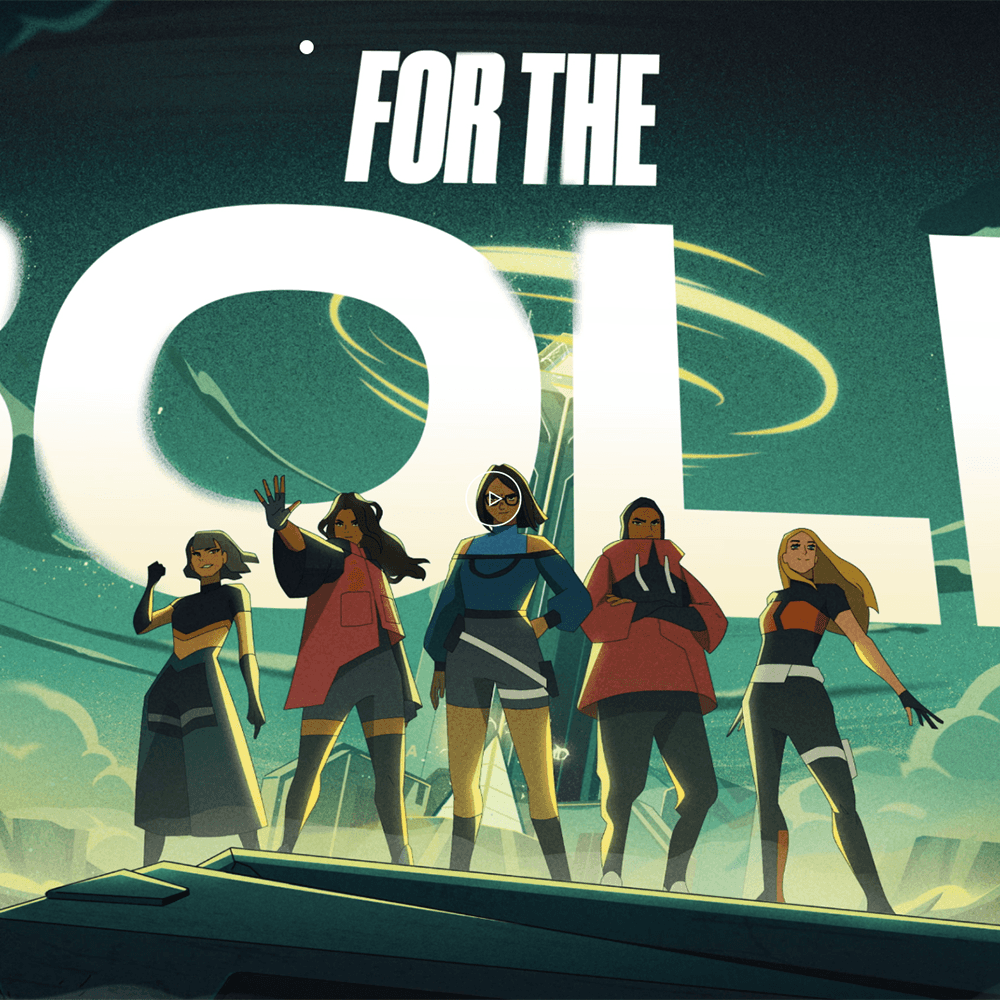
(image above: Scholar)
Cartoon Saloon (Wolfwalkers, Song of the Sea), SPA Studios (Klaus), Studio Ghibli's The Red Turtle, Folivari (Ernest & Celestine) and Sylvain Chomet's films (The Triplets of Belleville, The Illusionist) have all been made in TVPaint. It's also the working tool at Sun Creature and Studio La Cachette plus widely used for animated music videos and festival shorts.
Pricing
Sold as a one-time purchase, not a subscription:
TVPaint Animation Standard - €650 inc. VAT. Core 2D animation tools
TVPaint Animation Professional - €1,600 inc. VAT. More features
Student / Educational pricing - heavily discounted (Standard around €325, Professional around €650 with proof of enrolment). Worth it if you can use it.
It's expensive compared to Clip Studio, but the one-time cost works out cheaper than subscription software within 2–3 years. They run sales periodically, including an annual spring sale worth waiting for if you're not in a rush. Available on PC.
Where to learn
Aaron Blaise / Creature Art Teacher - ex-Disney feature animator, his courses on traditional animation principles use TV paint.
Tales of Alethrion - Tips and tricks
TV Paint official - official tutorials.
Gobelin Summer School - very pricey but a lifetime experience to learn in Paris in one of the best universities in the world
Clip Studio Paint
The standard tool for manga and anime production, and increasingly popular for indie 2D animation.
Used widely across Japanese studios for storyboards, key animation, and inbetweens, and increasingly by Western animators producing anime-styled commercial work, music videos, and personal projects.
Pricing
Goes on sale frequently!
Clip Studio Paint PRO - affordable, suitable for most illustration and basic animation work
Clip Studio Paint EX - full version with extended animation timeline (longer than 24 frames), multi-page projects, and more pro features
Available on PC and IPAD
Where to learn
Anime-style animation specifically
Dong Chang on YouTube - fantastic breakdowns of anime fundamentals.
Finchwing - Great intro to Clip Studio paint.
Sakgura Foundry - indepth tutorials on how to learn the anime production pipeline as a 2D animator.
Coloso - Paid course
Clip Studio Paint Anime Template - By lissbevs, a template file for CSP for working in anime.
The Animator Skill Test Trace and Tap-Wari Test - A book for learning the process of anime.
Breaking into anime PDF guide - By Cyrus Rebello
And more - a playlist of tutorials
Sakuga and reference
Sakugabooru - community-curated database of standout animation cuts from anime, tagged by animator. Best place to study individual animator styles.
Sakuga MAD compilations on YouTube - AMVs of anime sequences, super good to study.